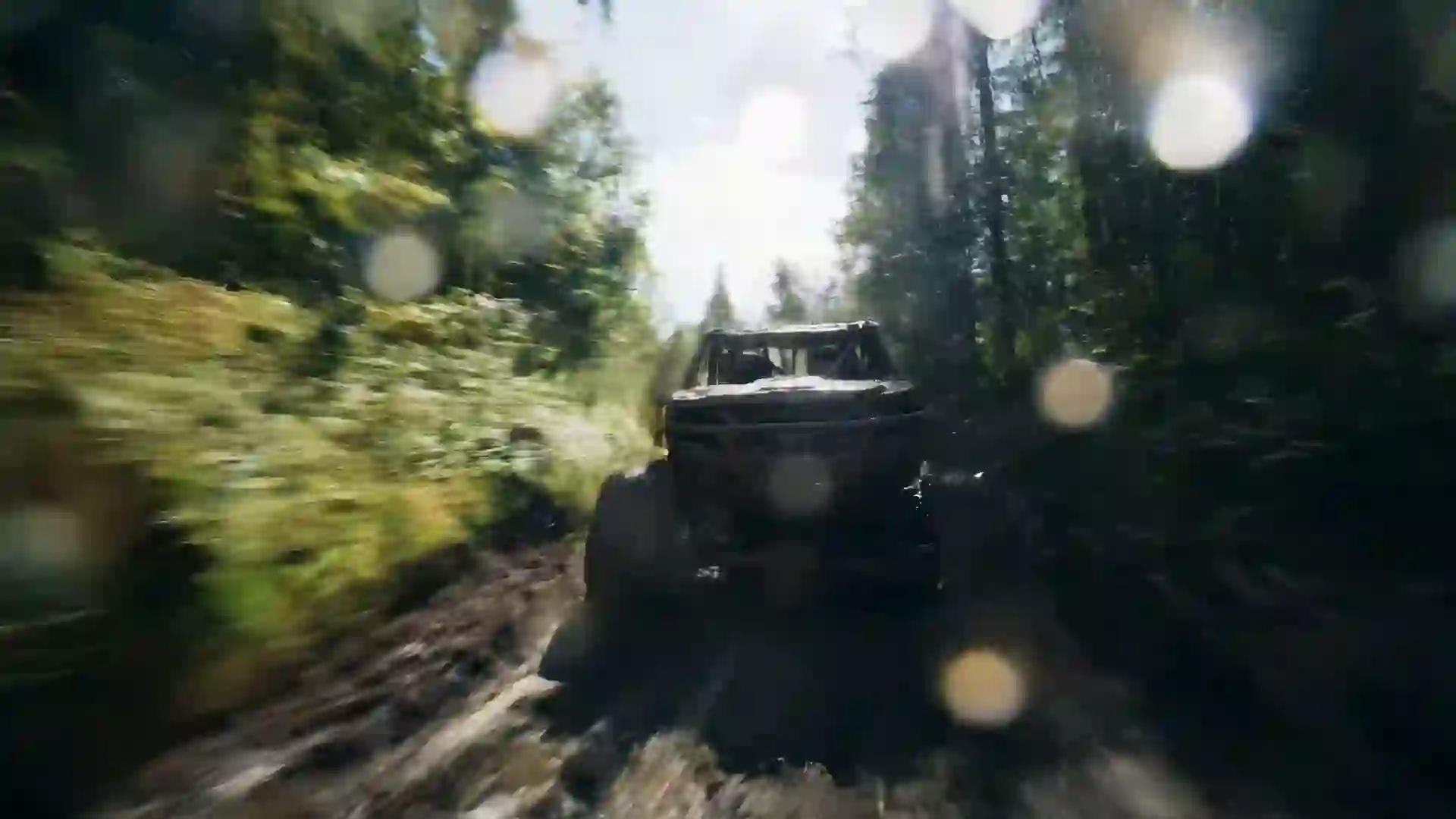

AI Anime Video Generator
Describe a scene or upload a character image and get an anime-style clip in minutes, with one free video for new users after sign-in.


Make Anime Scenes Without a Studio Pipeline
The Veo 4 AI anime video generator turns a written scene or a still character illustration into a short animated clip with the look of hand-drawn anime. You describe the character, the action, the setting and the camera, and the model renders cel-shaded motion with clean line art, flat color fills and the soft painted backgrounds that fans recognize. There is no rigging, no keyframing and no frame-by-frame inbetweening. A single prompt gives you a moving shot you can watch, download and refine, which makes it practical to test ideas that would take an animator days to block out.
Anime is a demanding style for video models because viewers notice when line weight wobbles, when hair flickers, or when a face drifts off model between frames. That is why the page gives you a choice of models instead of one engine. Kling 3.0 and Hailuo 2.3 handle stylized motion well and tend to hold a drawn look through fast action. Veo 4 and Veo 3.1 lean toward richer lighting and can add sound to the shot. Wan 3.0 can run up to 30 seconds at 480p when you need a longer take, and Seedance 1.5 Lite lets you try the workflow for free.
Each generation gives you a short clip, usually 4 to 10 seconds long. That length suits an opening title shot, a character reveal, a transformation beat or a looping background for a stream. If you want a full opening sequence or a short episode, generate a series of shots with consistent character descriptions and cut them together in any video editor. Many creators start from a character sheet uploaded as a reference image, which keeps the outfit, hair color and face shape steady across every shot they make for the same project.
What the AI Anime Video Generator Gives You
The tools below are built into the same wizard you see at the top of this page.
Text to anime video
Write the scene in plain language and the model renders it in an anime look. Name the character, the action, the location and the shot type, and add style words such as cel-shaded, hand-drawn or watercolor background. The more specific the description, the closer the clip lands to the picture in your head.
Image to anime video
Upload a character illustration, a manga panel you drew or a background painting, and the model animates it. Starting from an image is the most reliable way to keep a design on model, because the first frame already fixes the line art, the palette and the proportions you want the motion to follow.
Model choice for anime motion
Switch between ten models from one form. Kling 3.0 and Hailuo 2.3 suit expressive, stylized movement. Veo 4 and Veo 3.1 bring stronger light and some models generate sound. Wan 3.0 runs longer clips, and Seedance 1.5 Lite is the free model for your first test. Compare results and keep the one that fits.
AI Enhanced Prompt
Turn a short idea such as "girl on a rooftop at sunset" into a detailed prompt with camera direction, lighting and anime style cues. The enhancer adds the structure that video models respond to, and you can edit the result before you generate, so you keep control of the character and the mood.
Aspect ratios for every screen
Pick 16:9 for a widescreen opening or a YouTube upload, 9:16 for TikTok, Reels and Shorts, or 1:1 for a profile loop. Choosing the ratio before you generate means the composition is framed for the platform from the start, so you do not crop a character's head off later.
Clean MP4 downloads
Finished clips download as MP4 files you can drop straight into an editor, a streaming overlay or a social post. Paid plans remove the watermark. Credits are taken before a job starts, and if a generation fails the credits come back to your balance automatically.
Anime Video Prompt Examples
Copy any of these prompts into the wizard, then change the character and setting to match your own story.
Rooftop at golden hour
Hand-drawn anime style, a high school girl with short silver hair stands on a school rooftop as wind lifts her scarf, slow push-in from a medium shot to a close-up, warm golden hour backlight, soft painted clouds, cel-shaded skin, gentle lens flare.
Sword clash in the rain
Anime action scene, two swordsmen in dark coats clash blades in a narrow alley during heavy rain, sparks on impact, fast whip pan then freeze on the crossed swords, cold blue night lighting with neon reflections in puddles, bold line art, dramatic speed lines.
Magical transformation
Magical girl transformation in anime style, a young heroine spins as ribbons of pink and gold light wrap around her and form a new outfit, camera circles her at waist height, sparkles and petals in the air, bright pastel palette, glowing rim light.
Quiet train ride
Slice-of-life anime shot, a boy with headphones sits by the window of an empty evening train, countryside fields slide past outside, static side angle, warm orange sunset light across his face, soft watercolor background, calm and nostalgic mood.
Mecha launch
Anime mecha sequence, a white and red giant robot rises from a hangar launch platform as steam vents open, low-angle camera tilts up to its glowing visor, harsh industrial spotlights, metallic cel shading, detailed mechanical line work, sense of scale and weight.
Forest spirit encounter
Fantasy anime scene, a small girl in a straw hat meets a giant moss-covered forest spirit in a misty clearing, slow dolly forward, shafts of green-gold sunlight through tall cedars, floating dust particles, hand-painted background, soft gentle colors, sense of wonder.
How to Make an Anime Video with AI
The whole process runs in the wizard at the top of this page and takes a few minutes.
- 1
Write or enhance your prompt
Describe the character, what they do, where they are and how the camera moves, and include anime style words such as hand-drawn or cel-shaded. If you only have a rough idea, switch on AI Enhanced Prompt and it expands your line into a detailed shot description you can edit.
- 2
Add a reference image if you have one
Upload a character illustration or a background painting to use image-to-video. The model uses it as the first frame, which keeps the design and colors steady. Skip this step if you want the model to design the scene from text alone.
- 3
Set style, ratio and duration
Choose a style, filter and composition, then set the aspect ratio: 16:9 for widescreen, 9:16 for vertical platforms or 1:1 for square posts. Pick the clip duration that your model and plan allow, keeping in mind that shorter clips usually hold the character more steadily.
- 4
Pick a model and generate
Select a model, for example Kling 3.0 or Hailuo 2.3 for stylized motion, or Seedance 1.5 Lite for your free first video. Click generate, wait for the clip to render, then preview and download the MP4. Adjust the prompt and run it again to try variations.
Ways Creators Use an AI Anime Video Generator
Anime clips fit far more projects than full series production.
Openings and title cards
Build a short opening shot for a web series, a podcast or a channel trailer. Generate several dramatic shots with the same character, add your title in an editor and set it to your own music. The result feels like an anime opening without hiring an animation team.
Manga and webcomic promotion
Bring a panel from your own comic to life for a launch post. Upload the panel as a reference image, describe the motion you want, and share a moving version on social media to show readers the world and characters before they open the first chapter.
VTuber and stream backgrounds
Create looping scenery such as a rainy city street, a cozy bedroom at night or a starry sky for a stream overlay or a waiting screen. A 16:9 clip with slow camera motion works well as a background that sits behind your model or chat.
Music visualizers
Pair lo-fi, city pop or J-rock tracks with anime scenes that match the mood. Generate a handful of moody shots, cut them to the beat in an editor and publish a visualizer. Some models generate ambient sound, but for music videos you will add your own track.
Character concept tests
See how an original character moves before you commit to a design. Generate the same character walking, turning and reacting in different lighting, then compare which outfit, hair shape or palette reads best in motion. This saves time before you brief an artist. It also gives you clips to share with collaborators.
Short-form social posts
Post vertical anime clips to TikTok, Instagram Reels and YouTube Shorts. A strong 9:16 shot with a clear emotional moment, such as a confession under cherry blossoms or a hero's entrance, can carry a caption or a story hook on its own. Post a few variations and see which one people respond to.
Prompt Tips for Better Anime Clips
Name the drawing style, not a studio
Use descriptive style words: hand-drawn anime, cel-shaded, thick outlines, flat color fills, watercolor background, 1990s anime film grain. Studio and franchise names are not supported as styles and tend to give inconsistent results anyway. Clear visual language gives the model something concrete to follow.
Keep motion simple per shot
Anime relies on strong poses and limited movement. Ask for one main action in each clip, such as a hair flip, a head turn or a single sword swing. Several actions in one short clip often lead to warped limbs. Build complex sequences from several shots instead.
Use classic anime camera language
Prompts respond well to familiar shot types: slow push-in on a face, low-angle hero shot, whip pan into impact, static wide shot with drifting clouds, over-the-shoulder view of a city. Naming one camera move per clip keeps the frame stable and the line art clean.
Describe light and palette
Anime mood comes from color. Say golden hour backlight, cold blue night with neon, soft pastel morning or high-contrast red sunset. Mention rim light on hair and glowing eyes for drama. A defined palette also helps different shots of the same project look like one piece.
Repeat the character description
When you generate several shots for one story, paste the same character line into every prompt: hair color and length, eye color, outfit and one distinctive accessory. Better still, start each shot from the same reference image so the face and costume stay on model.
AI Anime Video Generator FAQ
Answers to the questions people ask most before they make their first anime clip.
Is the AI anime video generator free?
New users get one free 5-second 480p video with Seedance 1.5 Lite after they sign in, so you can test an anime prompt at no cost. Paid plans unlock the other models, longer durations and higher resolutions. Credits are deducted before each generation, and any failed generation is refunded to your balance.
Which model is best for anime videos?
Kling 3.0 and Hailuo 2.3 are good first choices for stylized, expressive anime motion. Veo 4 and Veo 3.1 give richer lighting and can generate sound. Wan 3.0 is useful when you need a clip up to 30 seconds at 480p. Results depend on the prompt, so run the same idea on two models and keep the better one.
How long can an anime clip be?
Most clips run 4 to 10 seconds, depending on the model and your plan. Wan 3.0 can produce up to 30 seconds at 480p. For a full opening or a short episode, generate several shots with the same character description or reference image and edit them together in any video editor you like.
Can I animate my own anime drawing?
Yes. Upload your illustration as a reference image and describe the motion you want, for example "her hair moves in the wind and she turns toward the camera". The model uses the image as the first frame, which keeps your line art, colors and character design close to the original.
Can I make a video in the style of a famous anime studio?
Use descriptive style terms rather than studio or franchise names. Words like hand-drawn anime, cel-shaded, painted background, soft pastel palette or retro 1990s anime describe the look clearly. Avoid trademarked characters too. Original characters described in detail give you results you can actually publish. They also tend to work better as prompts.
Do the anime videos have sound?
Some models, including Veo 4 and Veo 3.1, can generate native audio such as ambient sound and short dialogue. Others produce silent clips. There is no voice cloning, lip sync or music library, so for openings and music videos most creators add their own soundtrack and voice work in an editor.
What aspect ratio should I use for TikTok or YouTube?
Choose 9:16 for TikTok, Instagram Reels and YouTube Shorts, and 16:9 for standard YouTube videos, stream backgrounds and widescreen openings. Use 1:1 for square posts. Set the ratio before you generate so the character is framed correctly instead of cropped afterward. You can generate the same scene in two ratios if you post on several platforms.
Can I use the anime clips commercially?
Paid plans give you MP4 downloads without a watermark. For details about what you may do with generated videos, check the terms of service for usage rights. Keep your prompts to original characters and settings, because trademarked characters can raise separate rights issues no matter how the clip was made.
Create Your First Anime Clip
Write a scene or upload a character drawing and watch it move. Your first video is free after sign-in.
Last updated October 7, 2026 · By Long Cheng