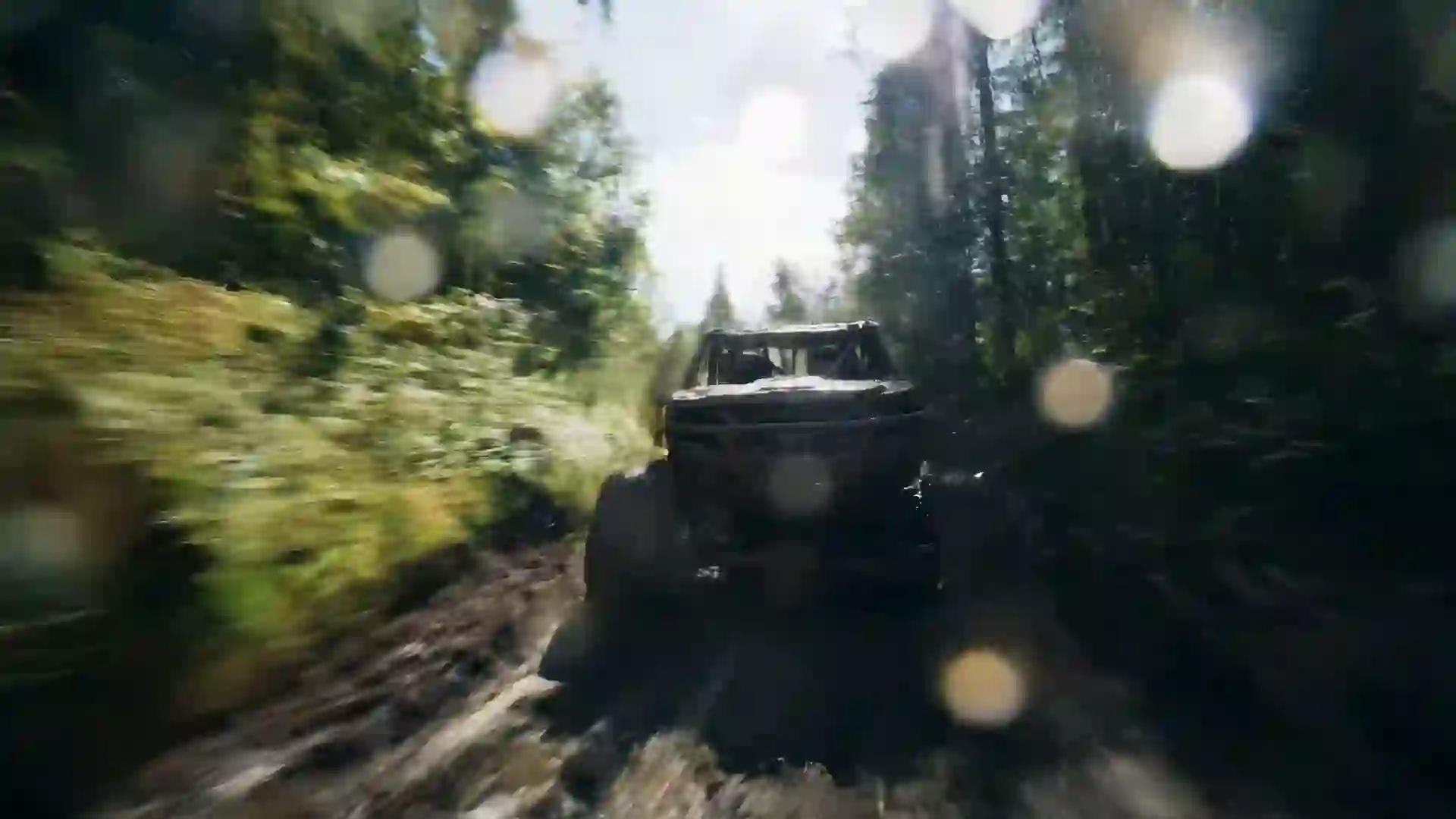

AI Documentary Video Generator
Create documentary-style b-roll and cinematic establishing shots from text, and sign in to get one free 5-second video as a new user.



What Is an AI Documentary Video Generator?
An AI documentary video generator creates the kind of footage that fills the space between interviews and narration: wide landscapes, close-ups of hands at work, animals in their habitat, city streets at night and slow aerial passes over a coastline. On Veo 4 you write a short description of the shot, choose a style, aspect ratio and duration, pick a model and generate. The result is a short clip you can cut into your film, essay video or explainer like any other piece of b-roll. There is no crew to book, no permit to request and no weather to wait for, so you can test ideas for a sequence before you commit to a shoot.
Documentary makers spend much of their budget on coverage. A crew may travel for days to get a ten-second shot of fog on a mountain or bees on a flower. Generated footage does not replace real reporting, real people or real places, and it should never be presented as recorded evidence. It works well for illustration: abstract ideas, scenes that cannot be filmed safely, moments from the past, and visual breathing room under narration. Label generated shots where your audience could mistake them for real footage, and keep your editorial standards the same as for any other source.
Each clip is short, typically 4 to 10 seconds, and Wan 3.0 can produce up to 30 seconds at 480p for long, slow takes. A documentary sequence is built by generating several clips and editing them together with your interviews, voiceover and music in any editor. Some models, including Veo 4 and Veo 3.1, generate sound such as wind, rain, birdsong or city traffic, which gives you natural ambience to start from. New users can try one free 5-second clip with Seedance 1.5 Lite after signing in, which is enough to check whether the look fits your project.
Features of the Veo 4 AI Documentary Video Generator
The wizard gives you the controls you need to make footage that sits naturally in a documentary edit.
B-roll on demand
Describe the shot your script needs, such as a farmer checking dry soil or rain on a tin roof, and generate it in minutes. Make several versions with different angles and lighting, then choose the one that matches the tone of the surrounding interviews and narration in your edit.
Natural camera language
Prompts understand terms documentary editors already use: telephoto, macro, slow aerial drone shot, handheld, locked-off tripod and time-lapse. Use them to get the observational feel of the genre instead of a glossy commercial look, and to match the lens choices in your real footage from the field.
Image-to-video for archive material
Upload a still, such as your own location photo, a map or a public domain archive image, and add slow motion to it. A gentle push-in on a photograph is a classic documentary technique, and image-to-video lets you go further with moving water, clouds or light.
Long takes with Wan 3.0
Documentaries often hold on a shot to let a moment breathe. Wan 3.0 generates clips of up to 30 seconds at 480p, which suits slow landscapes, drifting clouds and quiet interiors. For sharper, shorter shots with richer detail, use Veo 4, Veo 3.1 or Kling 3.0.
Native ambient sound
Some models, such as Veo 4 and Veo 3.1, generate sound together with the picture. A forest shot can come with birdsong, a harbor with gulls and rope creak, and a city street with traffic. This ambience gives the edit texture before you add your own mix and narration.
Formats for film and social
Use 16:9 for festival cuts, long-form films, YouTube documentaries and streaming, 9:16 for vertical teasers and short-form explainers, and 1:1 for social posts. Paid plans download MP4 files with no watermark, ready to import into your editing software alongside camera footage, archive material and recorded interviews.
Documentary Video Prompt Examples
Use these prompts as written or adapt the subject, location and lens to your story.
Arctic wildlife
A polar bear walks slowly across cracked sea ice under a pale Arctic sky, breath visible in the cold air. Telephoto lens from far away, slight heat shimmer, soft overcast light, muted blue and white palette, natural wildlife documentary style.
Hands of a craftsman
Close-up of an elderly potter's hands shaping wet clay on a spinning wheel in a small workshop, water dripping from the fingers. Macro shot with shallow depth of field, soft window light from the side, warm earthy tones, observational documentary style.
Rainforest canopy
Slow aerial drone shot rising above a dense tropical rainforest canopy at sunrise, mist drifting between the treetops and a river winding below. Golden low-angle light, rich greens, gentle camera movement, cinematic nature documentary style.
City at night time-lapse
Time-lapse of a busy city intersection at night seen from a rooftop, car headlights forming streaks of light, people crossing in waves, office windows switching off. Locked-off wide shot, cool blue and sodium orange light, realistic urban documentary style.
Fishing village morning
Fishermen in rubber boots unload crates of fish from a small wooden boat at a misty harbor at dawn, gulls circling overhead. Handheld camera at shoulder height following one worker, soft cool morning light, natural colors, observational documentary style.
Science lab detail
A researcher in a white coat places a sample under a microscope in a quiet laboratory, glass vials and screens in the background. Slow dolly shot from behind the shoulder to a close-up of the lens, clean cool lighting, realistic science documentary style.
How to Make Documentary Footage with AI
Follow the four steps of the wizard at the top of this page.
- 1
Write the shot, not the story
Describe one shot: the subject, the action, the place, the time of day, the lens and the camera move. A documentary edit is built from many single shots, so keep each prompt focused. Turn on AI Enhanced Prompt to add detail, then remove anything that looks staged.
- 2
Upload a still if you want to match real footage
If you have a photo from your location or an archive image, upload it to use image-to-video. The model keeps the framing and colors of the still, which helps the generated shot sit next to the footage you filmed yourself.
- 3
Choose a natural style and format
Pick a realistic style and a subtle filter so the shot does not look like an advertisement. Choose 16:9 for long-form films or 9:16 for vertical teasers, then set the composition and duration. Longer durations suit slow landscapes and quiet scenes.
- 4
Select a model and generate
Use Veo 4 or Veo 3.1 for realistic detail and ambient sound, Wan 3.0 for takes up to 30 seconds, or Kling 3.0 for complex motion. Credits are deducted at the start and refunded if a generation fails. Download the MP4 and drop it into your timeline.
Uses for an AI Documentary Video Generator
Generated footage fills specific gaps in documentary and nonfiction production.
Video essays and explainers
YouTube video essays on science, economics and culture need visuals for every sentence of narration. Generate shots that illustrate each idea, such as a container ship at sea for global trade or a drought-cracked field for climate, so the screen never sits on a static slide for long.
Pre-production and pitch reels
Before you raise money for a shoot, show funders and broadcasters the look of the film. A sizzle reel of generated landscapes, characters at work and moody interiors communicates tone and ambition, and you replace the clips with real footage once the production is funded.
Illustrating what cannot be filmed
Some subjects have no footage at all: deep-sea vents, ancient landscapes, the inside of a cell or an event no camera recorded. A generated shot can give the viewer a picture of the idea. Mark these shots as illustrations so they are not mistaken for real recordings.
Nonprofit and impact stories
Charities and advocacy groups often have strong testimony but few visuals. Generated b-roll of landscapes, homes, tools and weather can support a story without putting anyone at risk or filming people who did not consent. Keep real people and their words at the center of the film.
Podcast and audio documentary video
Audio documentaries and narrative podcasts published on YouTube need something on screen. A set of slow, atmospheric clips matched to each chapter turns an audio episode into a watchable video and gives you short vertical cuts to promote it on social platforms and in newsletters.
Corporate and brand documentaries
Brand films about how a product is sourced, made or used often need extra coverage after the shoot. Generate shots such as raw materials, a sunrise over a factory town or a close-up of a process, and match the color grade so they blend with the filmed material.
Tips for Realistic AI Documentary Shots
Use lens and distance words
Documentary footage feels real partly because of how far the camera is from the subject. Write "telephoto from a distance" for wildlife, "macro close-up" for textures and "wide shot from across the street" for city life. Distance creates the feeling of observing rather than staging a scene.
Ask for available light
Describe the light as it would occur on location: overcast daylight, low winter sun, window light, streetlights or a campfire. Avoid words such as studio, glossy or perfect lighting, which push the image toward a commercial look. Slightly imperfect light reads as more honest on screen.
Keep the action ordinary
Real documentary moments are small: someone pours tea, a dog sleeps in the sun, a train pulls out of a station. Prompts with simple, everyday actions produce more believable motion than dramatic action, and they cut more smoothly next to interview footage.
Plan a consistent color grade
Pick one filter and one palette description, such as "muted natural colors" or "cool desaturated tones", and reuse them for every shot in a sequence. Consistent color makes generated clips sit together and match your camera footage after a light grade in your editor.
Generate coverage, not one hero shot
Editors need options. For each scene, generate a wide establishing shot, a medium shot and one or two close-up details with the same setting and light. This gives you the classic wide, medium and close sequence that lets a documentary scene flow naturally.
AI Documentary Video Generator FAQ
Common questions about using AI-generated footage in documentaries and nonfiction videos.
Is the AI documentary video generator free to try?
Yes. New users get one free 5-second 480p video with Seedance 1.5 Lite after signing in. Paid plans unlock Veo 4, Veo 3.1, Kling 3.0, Wan 3.0 and the other models, along with longer durations and higher resolutions. Credits are deducted before generation, and any failed generation is refunded automatically.
Is it ethical to use AI footage in a documentary?
It can be, if you are honest about it. Use generated shots to illustrate ideas, atmosphere or events with no footage, not to fake evidence or put words in real people's mouths. Many filmmakers add an on-screen label or a note in the credits. Never present a generated clip as a recording of a real event.
Which model is best for documentary footage?
Veo 4 and Veo 3.1 are strong choices for realistic texture, natural light and ambient sound. Wan 3.0 is useful when you want long, slow takes of up to 30 seconds at 480p. Kling 3.0 handles complex motion such as animals running or crowds moving. Try Seedance 1.5 Lite first if you want to test a prompt for free.
How long are the clips?
Most models produce clips of 4 to 10 seconds, and Wan 3.0 goes up to 30 seconds at 480p. That is the normal length of a b-roll shot. For a full sequence or film, generate several clips and edit them together with your interviews, narration and music in any video editor. Veo 4 has no built-in timeline editor.
Can the clips include natural sound?
Some models, such as Veo 4 and Veo 3.1, generate native audio like wind, rain, birds, traffic or crowd noise along with the picture. Other models produce silent clips. Veo 4 does not offer voice cloning or a music library, so record your own narration and add licensed music or sound effects in your editor.
Can I match generated shots to my real footage?
Yes, with a little care. Upload a frame from your own footage to use image-to-video, which keeps the framing and colors. Describe the same light, time of day and lens in your prompt. After download, apply the same color grade to generated and filmed shots so the cut between them is less visible.
What aspect ratio should I use?
Use 16:9 for YouTube documentaries, film festivals and streaming platforms. Use 9:16 for TikTok, Instagram Reels and YouTube Shorts trailers or short explainers, and 1:1 for square social posts. Pick the ratio before generating, because the model frames the scene for that shape rather than cropping it afterward and cutting off the edges of the scene.
Can I use the footage in a commercial documentary?
Paid plans download MP4 files with no watermark, which many filmmakers use in published projects. Check the terms of service for the usage rights that apply to your plan, and check the delivery rules of any broadcaster or festival, since some ask you to disclose generated material. Avoid prompts that copy real living people or trademarked content.
Generate Your First Documentary Shot
Describe the shot your film is missing and generate it in minutes. New users get one free video after signing in.
Last updated October 7, 2026 · By Long Cheng