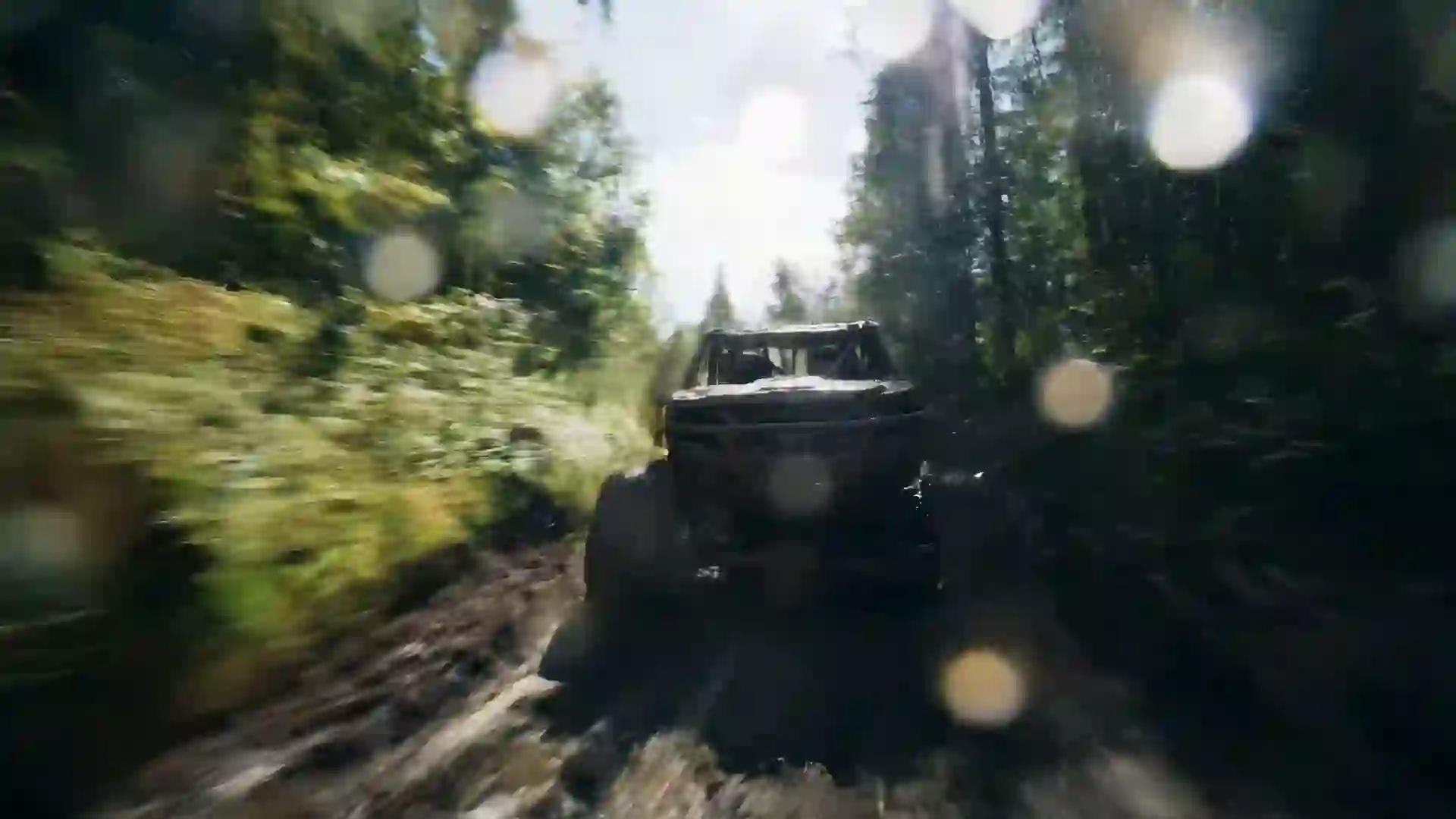

AI Video Maker: Create a Video From Text or an Image
Describe a scene or upload a photo, and this AI video maker turns it into a clip with motion, camera work and sound. New users get one starter video after sign-in.



What Is an AI Video Maker?
An AI video maker is a tool that creates a video from a short description or a still image. You do not film, animate or edit anything. You write what should happen, and the AI video maker generates the subject, the action, the light, the camera move and, on many models, the sound. The AI video maker on veo4.dev sits at the top of this page, so you can make your first clip now and read this guide while it renders.
Every AI video maker works in one of two ways. Text-to-video starts from words only: you type a prompt such as a fox running through snow at sunrise, and the AI video maker invents the scene. Image-to-video starts from a picture you upload: the AI video maker keeps that photo as the first frame and adds motion. Use text-to-video for ideas and variety, and AI video maker image-to-video when the result must match a product, a character or a brand image.
This AI video maker gives you several video models in one account. The Veo 4 option runs on the Veo 3.1 Fast tier from Google: 4, 6 or 8 second clips at 720p or 1080p with sound. Kling 3.0 makes 5, 10 or 15 seconds at 720p, 1080p or 4K. Seedance 2.0 makes 5 or 10 seconds at up to 1080p, including 21:9. Wan 2.6 makes up to 15 seconds at 1080p, and Wan 3.0 makes one 30 second clip at 480p with audio. Each AI video maker model has its own strengths.
Some jobs need a specialist, so the AI video maker also includes image-to-video models. Hailuo 2.3 animates a source image with real-world motion at 768P or 1080P. The Veo 3.1 option takes a first and a last frame, so you decide where the clip starts and ends. MiniMax H3 also takes both frames at 768P or 2K, and Happy Horse 1.0 from Alibaba works from text or an image. No single model wins every job, which is why a multi-model AI video maker helps.
Using the AI video maker takes a few guided steps. Write the prompt, choose the aspect ratio and duration, and optionally add a style, a lighting filter and a composition. Then pick a model that supports your settings, add a reference image for image-to-video, and press generate. AI Enhanced Prompt in the AI video maker expands a short idea into a detailed AI video maker prompt that you can edit before you submit.
Each video costs credits, and the AI video maker shows the estimate before you submit. A Veo 4 or Veo 3.1 clip costs 1000 credits for 4 seconds, 2000 for 6 and 3000 for 8, and a Veo 3.1 Lite clip costs a flat 900 credits at 720p or 1000 at 1080p. Kling 3.0 costs 400 to 1950 credits per second, and Seedance 2.0 costs 600 to 2300 per second, with native audio at double. If a job fails, the AI video maker returns the credits. New users get one AI video maker starter clip with Seedance 1.5 Lite, 5 seconds at 480p, after sign-in.
The rest of this page shows how to use the AI video maker well: which AI video maker model suits which job, a step-by-step AI video maker workflow, prompts that work, use cases, and tips that save credits. To try it, scroll up, type one sentence about a scene, and let the AI video maker do the rest.
Why Use This AI Video Maker
One AI video maker for text-to-video, image-to-video, short social clips and longer scenes, with clear prices for every model.
Many models in one AI video maker
Switch between Veo 4, Veo 3.1, Kling 3.0, Seedance 2.0, Wan 2.6, Wan 3.0, Hailuo 2.3 and more. The AI video maker lists only the models that fit your size and duration.
Text-to-video and image-to-video
Start from a prompt, or upload a photo and let the AI video maker animate it. Hailuo 2.3 needs a source image, while Veo, Kling 3.0, Seedance 2.0 and Wan 2.6 in the AI video maker accept an optional first frame.
An AI video maker with sound
The Veo options generate audio with the picture. Kling 3.0 and Seedance 2.0 add native sound on request, and Wan 3.0 includes audio, so the AI video maker delivers a clip that is ready to post.
Every format in one AI video maker
Make 9:16 videos for TikTok, Reels and Shorts, 16:9 for YouTube, 1:1 for feeds, or 21:9 with Seedance 2.0. The AI video maker matches the format to the platform.
AI video maker drafts to 4K
Test an idea at 480p or 720p, then render the final shot at 1080p, or 4K with Kling 3.0. The AI video maker lets you spend more credits only on clips you keep.
Clear AI video maker prices
The AI video maker shows the credit estimate before each job, and a failed job is refunded. Finished videos are saved to your video history for download.
AI Video Maker Prompt Examples That Work
Copy a prompt into the AI video maker, then change the subject, the place and the sound to fit your idea.
AI video maker prompt: product hero shot
Slow orbit around a matte black earbud case on wet stone, soft studio light from the left, water drops catching highlights, shallow depth of field. A soft click as the lid opens.
AI video maker prompt: vertical social clip
Vertical handheld shot of a young woman laughing as she catches a paper airplane on a sunny city rooftop, wind in her hair, warm light, quick push-in at the end.
AI video maker prompt: explainer scene
Clean 3D animation of the water cycle: sunlight warms a blue lake, vapor rises into clouds, rain falls on green hills and flows back into the lake. Smooth pan from left to right.
AI video maker prompt: story opening
Wide cinematic shot of an old lighthouse on a cliff at dusk, a keeper climbs the stairs with a lantern, waves crash below. Slow dolly in, orange sky, wind and distant gulls.
AI video maker prompt: photo to video
Use the uploaded photo as the first frame. The woman turns toward the camera and smiles, curtains move in a light breeze, slow push-in. Keep her face and clothing unchanged.
AI video maker prompt: food ad
Top-down shot of fresh pasta tossed in a steel pan, sauce splashes in slow motion, steam rises under warm light, then the camera tilts to a plated dish. Sizzle and pan sounds.
How to Make a Video With the AI Video Maker
Four AI video maker steps take you from an idea to a downloaded clip. Most videos are ready in a few minutes.
- 1
Write your AI video maker prompt
Describe one scene in the AI video maker: the subject, the action, the place, the light and the camera move. Add the sounds you want if the model makes audio. Turn on AI Enhanced Prompt to expand a short idea.
- 2
Choose the size and duration
Pick 9:16 for short-form social video, 16:9 for YouTube or a website, or another ratio. Then choose the length. The AI video maker shows only the models that support that combination.
- 3
Pick an AI video maker model
Choose Veo for clips with sound, Kling 3.0 for 15 seconds or 4K, Seedance 2.0 for 21:9, or Hailuo 2.3 to animate a photo. Upload a reference image if you want the AI video maker to start from it.
- 4
Generate and download your video
Check the credit estimate and press generate. The AI video maker renders the clip, shows it when it is ready, and saves it to your video history, so you can download it or make a new AI video maker version.
What You Can Create With an AI Video Maker
People use an AI video maker wherever video takes too much time or money to film.
AI video maker for social media
Make 9:16 clips for TikTok, Instagram Reels and YouTube Shorts in minutes. Use the AI video maker to test several hooks for one idea and post the best one.
AI video maker for ads and products
Turn a product photo into a moving ad with image-to-video, or describe a hero shot. An AI video maker lets small teams make ad variations without a studio or a crew.
AI video maker for education
Show processes that are hard to film, such as how a cell divides. Teachers use the AI video maker for short scenes that support a lesson.
AI video maker for stories
Plan a story as a list of shots and make each shot with the AI video maker. Keep the same character description in every AI video maker prompt, then join the clips in an editor.
AI video maker for websites
Create looping background videos for landing pages, event screens and slides. A 16:9 or 21:9 clip from the AI video maker looks clean behind headlines and buttons.
AI video maker storyboards
Agencies use an AI video maker to show a client a shot before the real shoot. A moving AI video maker storyboard explains the idea faster than sketches.
Tips for Better AI Video Maker Results
Describe one scene per clip
Every model in the AI video maker makes one continuous shot. Ask for one action in one place. For a sequence, make several AI video maker clips and edit them together.
Name the camera move
Words such as slow dolly in, orbit, handheld, top-down and wide shot give the AI video maker clear direction, so the AI video maker result looks intentional.
Draft cheap in the AI video maker
Test a prompt in the AI video maker at a short duration and a lower resolution first. When the motion looks right, render the final version at 1080p or 4K.
Use AI video maker image-to-video
When a face, a product or a logo must stay the same, upload it as the first frame. The AI video maker then keeps that look instead of inventing a new one.
Ask the AI video maker for sound
With Veo, Kling 3.0 sound or Seedance 2.0 audio, name the dialogue in quotes, the sound effects and the background noise. A silent prompt gives a weak soundtrack.
AI Video Maker FAQ
Answers to common questions about making videos with AI on veo4.dev.
What is an AI video maker?
An AI video maker generates a video from a text prompt or a still image. You describe the scene, and the AI video maker creates the motion, the camera work and, on many models, the sound, without filming.
How do I make a video with an AI video maker?
Write a prompt, choose the ratio and duration, pick a model, add an optional image, and press generate. The AI video maker shows the clip in a few minutes and saves it to your video history.
Can the AI video maker turn a photo into a video?
Yes. Upload the photo as a reference image and describe the motion. Hailuo 2.3 is the image-to-video specialist in the AI video maker, and Veo, Kling 3.0, Seedance 2.0 and Wan 2.6 also accept a first frame.
Which AI video maker model should I choose?
In the AI video maker, choose Veo 4 or Veo 3.1 for 4 to 8 second clips with sound, Kling 3.0 for up to 15 seconds or 4K, Seedance 2.0 for 21:9 and native audio, Hailuo 2.3 to animate a photo, and Wan 3.0 for one 30 second scene.
How long can a video from the AI video maker be?
Most AI video maker models make 4 to 15 seconds per clip. Wan 3.0 makes a 30 second clip at 480p. For a longer video, make several clips with the AI video maker and join them in any editor.
Does the AI video maker add sound?
Yes, on several models. In the AI video maker, the Veo options generate audio with the picture, Kling 3.0 and Seedance 2.0 add native sound when you switch it on, and Wan 3.0 includes audio.
How much does the AI video maker cost?
Each AI video maker job costs credits, and you see the estimate before you submit. A Veo clip costs 900 to 3000 credits. New users get one starter video with Seedance 1.5 Lite after sign-in, and a failed job is refunded.
Do I need editing skills to use an AI video maker?
No. The AI video maker guides you through each step, and AI Enhanced Prompt writes a detailed prompt from a short idea. Editing skills help only when you join several AI video maker clips into a longer video.
Make Your First Video With the AI Video Maker
Type one sentence or upload one photo. The AI video maker turns it into a video in minutes.
Last updated October 16, 2026 · By Long Cheng