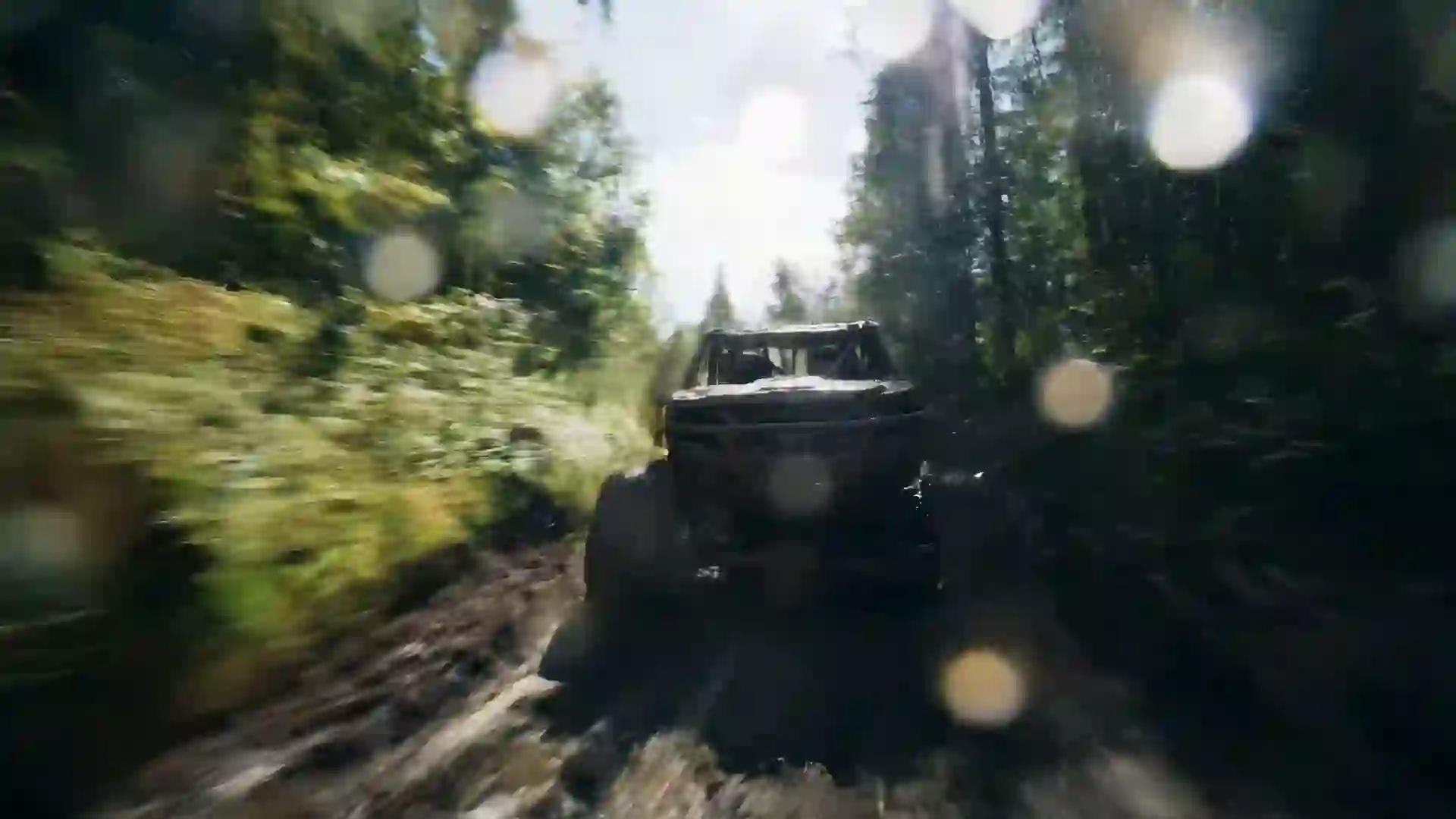

AI Travel Video Maker
Create destination scenes and travel b-roll from a prompt or a trip photo, with one free video for new users after sign-in.



What You Can Create with an AI Travel Video Maker
An AI travel video maker generates destination footage from a written description: a drone-style flight over turquoise lagoons, a slow walk through a lantern-lit night market, a train winding through mountain valleys, or waves rolling onto a quiet beach at sunrise. With Veo 4 you describe the place and the shot, pick a style and a model, and generate a clip. It is useful for travel creators who need extra b-roll, agencies planning promotional content, and anyone who wants to bring a trip idea or a favorite memory to life on screen.
The clips are short, typically 4 to 10 seconds, with Wan 3.0 reaching up to 30 seconds for a long scenic shot. A full travel reel or vlog is built by generating several clips and editing them together with your own footage in any editor. Generated scenes are imagined versions of a place, not a record of it, so use them as mood shots, intros and transitions rather than as proof of what a destination looks like today. Some models, such as Veo 4 and Veo 3.1, generate sound like waves, wind or street ambience.
You can also animate your own trip photos. Upload a picture you took, such as a harbor at dusk or a mountain viewpoint, and add slow motion to the water, clouds or light. This turns a still from your camera roll into a moving shot that fits between your video clips. Choose a style that matches your channel: natural cinematic realism, a warm film look, or a hand-drawn illustrated travel diary. New users get one free 5-second 480p video with Seedance 1.5 Lite after signing in, so you can test a destination shot first.
Travel Video Maker Features
The wizard above gives travel creators control over place, shot and mood.
Destination scenes from text
Describe a place by its landscape, architecture, weather and time of day, such as white cliffside houses above a deep blue sea at golden hour. The model generates an original scene that captures the feeling of the destination, which works well for intros, mood shots and transitions.
Animate your trip photos
Upload a photo from your trip and describe subtle motion, like waves rolling in, clouds drifting over peaks or lanterns swaying in the breeze. Image-to-video keeps the composition of your photo and adds life to it, so stills can sit naturally between your real video clips.
Cinematic camera language
Ask for the shots travel videos rely on: a drone-style aerial reveal, a slow forward glide down a street, a tracking shot from a train window or a sweeping pan across a skyline. The composition setting helps you choose wide establishing shots or close details.
Formats for Reels, Shorts and YouTube
Choose 9:16 for Instagram Reels, TikTok and YouTube Shorts, 16:9 for YouTube vlogs and travel films, or 1:1 for feed posts. Setting the ratio first means mountains, coastlines and city skylines are framed for the screen from the start instead of being awkwardly cropped later.
AI Enhanced Prompt
Type a short idea like 'Kyoto street in the rain' and turn on AI Enhanced Prompt. The wizard adds camera movement, lighting and texture, such as reflections on wet stone and paper lanterns glowing. You can edit the rewrite before generating to match your own style.
Long scenic shots with Wan 3.0
Most models produce 4 to 10 seconds, but Wan 3.0 can generate up to 30 seconds at 480p. That suits slow scenic shots, such as a boat drifting across a lake or a timelapse-style sky, where a longer take feels more relaxing and needs fewer cuts.
Travel Video Prompt Examples
Use these travel prompts as a starting point and swap in the destination you have in mind.
Tropical lagoon aerial
Drone-style aerial shot gliding low over a turquoise lagoon with small overwater bungalows, white sand and palm trees, gentle waves sparkling in bright midday sun, camera slowly rising to reveal the open ocean, vivid natural colors, cinematic realism, calm ocean sound.
Night market walk
Slow forward glide through a busy Asian night market, red paper lanterns overhead, steam rising from food stalls, people shopping in soft focus, wet pavement reflecting neon signs, eye-level handheld travel vlog feel, warm red and teal palette, lively street ambience.
Mountain railway journey
A red train winding along a mountain railway through green alpine valleys, snow-capped peaks behind, small wooden chalets dotting the slopes, wide aerial tracking shot following the train, clear morning light, crisp natural colors, cinematic travel film style.
Mediterranean golden hour
White cliffside houses with blue doors above a deep blue sea at golden hour, bougainvillea moving in a light breeze, a sailboat crossing far below, slow sideways pan along the cliff edge, warm sunset glow, soft film look, relaxed summer mood.
Desert road trip
A vintage camper van driving along an empty desert highway toward red rock mesas at sunset, dust trailing behind, long shadows on the road, low camera tracking beside the van, warm orange and purple sky, slight film grain, free-spirited road trip mood.
Illustrated travel diary
A narrow cobblestone street in an old European town with flower boxes, a café terrace and a bicycle leaning on a wall, people strolling slowly, gentle camera push in, soft watercolor illustrated style, pastel palette, morning light, charming travel journal feel.
How to Make a Travel Video with AI
Use the four wizard steps to create a travel clip for your reel or vlog.
- 1
Describe the place and the shot
Write the landscape or street, the time of day, the weather and the camera move, for example an aerial reveal of a coastline at sunrise. Turn on AI Enhanced Prompt for extra detail, then edit the result so it matches the destination you have in mind.
- 2
Upload a trip photo if you have one
To animate your own picture, upload it as a reference image and describe gentle motion such as moving water, drifting clouds or swaying trees. Use photos you took or have permission to use. Skip this step to generate the scene from text alone.
- 3
Choose style, ratio and duration
Pick a style and filter, such as cinematic realism or a warm film look, then a composition and aspect ratio: 9:16 for Reels and Shorts or 16:9 for YouTube. Choose a duration; pick Wan 3.0 if you want a single shot of up to 30 seconds.
- 4
Generate and edit into your reel
Pick a model and generate. Credits are deducted before generation and refunded if it fails. Download the MP4 and place it in your editor with your own trip footage, music and captions to build a complete travel reel or vlog episode.
Who Uses an AI Travel Video Maker
Travel clips help creators, agencies and travelers tell stories about places.
Travel vlog b-roll and intros
Vloggers often miss the establishing shot: the aerial view, the sunrise over the city, the train arriving. A generated scene can open an episode or bridge two locations. Mix it with your real footage, and keep the style close to your camera look so the cut feels smooth.
Trip planning and bucket lists
Turn a dream itinerary into a short mood video before you go. Generate a clip for each stop, such as a lagoon, a market and a mountain pass, and share it with travel companions. It is an easy way to agree on the feel of the trip you want.
Travel agency and tour promotions
Agencies and tour operators can create mood clips for social posts and ads, then pair them with real photos of the actual tour. Use generated scenes for atmosphere, and use real footage when you show the specific hotels, sites or experiences customers will actually receive.
Animated trip memories
Bring photos from past trips to life. Upload a picture of a beach, a harbor or a viewpoint and add slow motion to the water or sky. A few animated stills set to music make a simple, personal memory video to share with family and friends.
Hotel and destination social content
Hotels, cafés and local tourism pages can create seasonal mood clips, such as snow over a mountain village or a summer sunset over a bay. Upload your own property photo for image-to-video when you want the clip to show your real location rather than a generated one.
Travel writers and bloggers
Bloggers can add a short looping clip to the top of an article or a newsletter to set the scene. Generate a calm 16:9 shot of the destination, such as a quiet harbor at dawn, and keep it short so the page still loads quickly.
Prompt Tips for Travel Videos
Name the time of day and weather
Light defines travel footage. 'Golden hour', 'blue hour', 'misty morning' and 'after rain at night' each change the mood of the same place. Add the weather too, such as 'light sea breeze' or 'drifting fog', so the model knows how the scene should move.
Use classic travel camera moves
Travel films rely on a few reliable shots: the drone-style aerial reveal, the slow forward walk, the side tracking shot and the wide pan. Name one camera move per clip. Mixing several in one prompt often produces confused, unsteady motion.
Describe the place by its features
Instead of only naming a city, describe what makes it recognizable: 'white houses with blue domes', 'red lanterns over a narrow alley', 'canals lined with tall brick houses'. Concrete details give the model a clear picture and avoid generic results.
Add life to the scene
Empty scenes can feel lifeless. Add small moving elements such as a boat crossing the bay, a cyclist passing, steam from a food cart or birds over the water. Keep people at a distance or in soft focus so the place stays the main subject.
Match the grade to your footage
If you mix generated clips with your own camera footage, describe a look close to yours, such as 'natural colors, slight warm grade, soft contrast'. Matching color and grain makes cuts between real and generated shots far less noticeable to your viewers.
AI Travel Video Maker FAQ
Common questions about making travel videos with AI.
Is the AI travel video maker free?
New users get one free 5-second 480p video with Seedance 1.5 Lite after signing in, which is enough to test a travel shot. Paid plans unlock models such as Veo 4, Veo 3.1 and Kling 3.0, longer durations and higher resolutions. Credits are deducted before generation, and failed generations are refunded automatically.
Will the video show the real destination accurately?
No. Generated clips are imagined scenes inspired by your description, not footage of a real place. They can capture the mood of a destination well, but details like buildings and landmarks will not match reality exactly. Use them for intros, mood shots and transitions, and use your own footage when accuracy matters.
Can I turn my travel photos into videos?
Yes. Upload a photo as a reference image and describe the motion you want, such as waves rolling in, clouds moving or lanterns swaying. Image-to-video keeps the main composition while adding movement. Gentle, natural motion prompts usually give the most faithful result, especially for landscapes, coastlines and city views taken in good light.
Which model is best for travel videos?
For realistic landscapes and city scenes with natural sound, try Veo 4 or Veo 3.1. For illustrated or stylized travel looks, Kling 3.0 and Hailuo 2.3 are good options. Wan 3.0 is the choice for long scenic shots of up to 30 seconds, and Seedance 1.5 Lite is free for your first test.
How long can a travel clip be?
Most clips are 4 to 10 seconds, and Wan 3.0 can produce up to 30 seconds at 480p. For a full travel reel or vlog, generate several clips and edit them together with your own footage, music and captions in any video editor. Short clips also work well as transitions between locations.
What aspect ratio is best for Reels, TikTok and YouTube?
Use 9:16 for Instagram Reels, TikTok and YouTube Shorts, and 16:9 for YouTube vlogs and travel films. Use 1:1 for square feed posts. Choose the ratio in the wizard before you generate so wide landscapes and tall buildings are framed correctly for the screen and do not lose their best parts to cropping.
Do the travel clips include sound?
Some models, such as Veo 4 and Veo 3.1, generate sound like ocean waves, wind or street ambience. There is no music library, so add music and voiceover in your video editor. Many travel creators keep the natural sound low under the music to make generated shots feel more immersive.
Can a travel business use these clips in ads?
Paid plans download MP4 files with no watermark. For the details of commercial use, check the terms of service for usage rights. In advertising, avoid presenting a generated scene as a real hotel, beach or tour, and use real photos or footage for anything customers will actually see or experience when they book.
Start Your Travel Video Now
Describe a destination or upload a trip photo and generate your first travel clip. New users get one free video after signing in.
Last updated October 7, 2026 · By Long Cheng