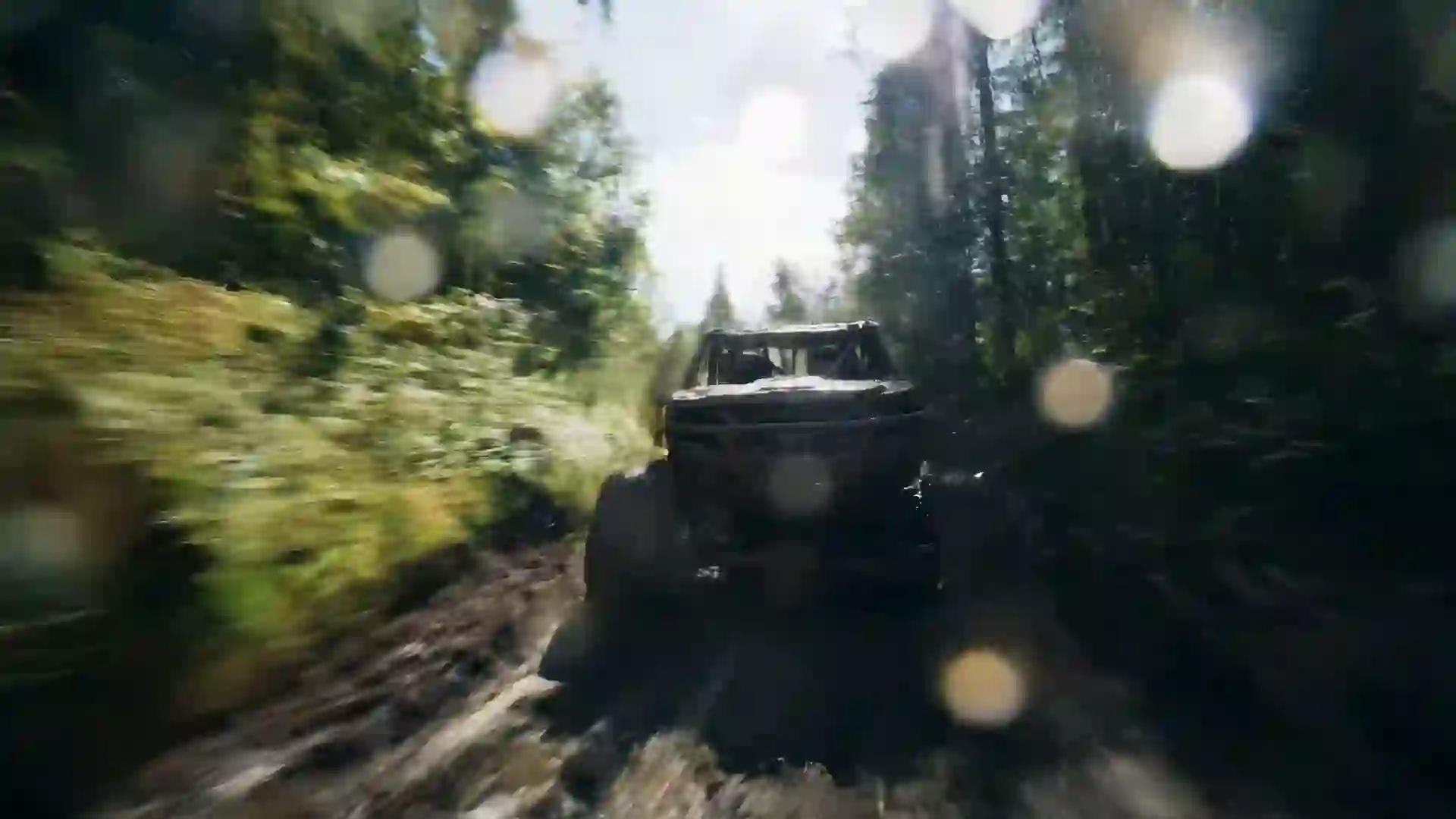

AI Movie Trailer Maker
Write a scene, pick a model and generate cinematic trailer shots, with one free video for new users after sign-in.



What the AI Movie Trailer Maker Does
The AI movie trailer maker on Veo 4 turns a written scene or a still image into a short cinematic video clip that looks like it was lifted from a film trailer. You describe the shot, such as a lone rider cresting a dune at sunset or a detective stepping into a rain-soaked alley, and the model renders it with camera movement, lighting and atmosphere. Each clip is short, usually 4 to 10 seconds, which matches how real trailers are built: a fast sequence of strong, self-contained moments that each carry one idea.
A full trailer is made by generating several of these shots and editing them together in any video editor you already use. Plan an opening establishing shot, a few character beats, a rising action sequence and a final hero moment, then generate each one separately and review them side by side. This keeps every shot sharp and lets you regenerate a weak moment without touching the rest. When you want a longer continuous move, such as a slow push across a battlefield, Wan 3.0 can produce clips up to 30 seconds at 480p.
Sound matters in trailers, and some models generate it. Veo 4 and Veo 3.1 can add native audio such as wind, crowd noise, distant thunder or a short line of dialogue, which gives your cut a rough soundtrack to build on. Kling 3.0 and Hailuo 2.3 are strong choices for stylized, dynamic motion, while Seedance 1.5 Lite lets you try the workflow at no cost. New users get one free 5-second 480p video with Seedance 1.5 Lite after sign-in, so you can test your first trailer shot today before choosing a plan.
Features Built for Trailer Shots
Every control in the wizard helps you shape a shot that belongs in a trailer.
Cinematic camera language
Write camera moves the way a director would: slow dolly in, low-angle tracking shot, crane up over a city, handheld chase. The models respond to this vocabulary, so you can plan a reveal or a push on a face and get motion that reads as deliberate filmmaking.
Native sound on some models
Some models generate sound. Veo 4 and Veo 3.1 can add ambient audio and short dialogue, such as a whispered warning or a storm rolling in. This gives each trailer shot a sense of place and helps you judge pacing before you add music in your editor.
Image-to-video for key art
Upload a reference image, such as concept art, a poster sketch or a location photo, and animate it into a moving shot. This keeps characters and sets consistent across several clips, which is the hardest part of building a trailer from many separate generations in a row.
Widescreen and vertical framing
Choose 16:9 for a classic trailer on YouTube, 9:16 for a vertical teaser on TikTok or Reels, or 1:1 for a square social cut. Picking the aspect ratio first means the composition is built for that frame, so faces and action stay inside the shot.
AI Enhanced Prompt
Turn a rough idea like 'spaceship crashes in a forest' into a detailed shot description with lens, lighting and mood. The AI Enhanced Prompt option rewrites your text in cinematic language, which helps when you know the moment but not the words a cinematographer would use.
Clean MP4 downloads
Download every shot as an MP4 file, with no watermark on paid plans, and drop it straight into your timeline. Because each clip is a separate file, you can reorder shots, trim the best second of a take and cut to the beat of your music.
AI Movie Trailer Prompt Examples
Copy any of these trailer shots into the wizard and adjust the details to fit your story.
Desert opening shot
A lone rider on horseback crests a massive sand dune at golden hour, dust trailing behind, wide aerial shot slowly pushing forward, long shadows across rippled sand, warm orange and deep blue palette, anamorphic lens flare, epic cinematic trailer opening, film grain.
Noir alley reveal
A detective in a long coat steps out of shadow into a rain-soaked neon alley at night, slow dolly in toward his face, red and teal neon reflecting in puddles, steam rising from a grate, high contrast low-key lighting, tense crime thriller trailer shot.
Disaster wide shot
A tidal wave rises behind a coastal city skyline at dusk as people on a pier turn to look, static wide shot from the beach, storm clouds lit by lightning, desaturated grey and amber tones, debris in the wind, disaster movie trailer moment.
Fantasy castle crane
Camera cranes up over a misty pine forest to reveal a stone castle on a cliff at dawn, banners moving in the wind, soft volumetric light through fog, birds crossing the frame, rich green and gold palette, sweeping fantasy trailer establishing shot.
Horror hallway
A young woman holding a flashlight walks slowly down a dark hospital corridor as a door at the end creaks open, handheld camera behind her shoulder, flickering fluorescent light, cold green tint, deep shadows, slow tense pacing, psychological horror trailer shot.
Climax close-up
A hero in torn armor stands still on a burning battlefield as embers float upward, slow push in to a close-up of determined eyes, backlit by fire, smoke drifting across frame, dark red and black palette, shallow depth of field, climactic trailer shot.
How to Make a Movie Trailer with AI
Generate each trailer shot in four steps, then cut them together in your editor.
- 1
Describe one trailer shot
Write a single moment in the prompt box: who is on screen, what they do, where it happens and how the camera moves. Turn on AI Enhanced Prompt to expand the text. Optionally upload a reference image to animate concept art or keep a character consistent.
- 2
Set style and framing
Pick a style, filter and composition that fit the genre, such as a cinematic look with a dark filter for a thriller. Choose 16:9 for YouTube or 9:16 for TikTok and Reels, then set a duration that gives the shot room for its key action.
- 3
Choose a model and generate
Veo 4 or Veo 3.1 suit realistic scenes with sound, Kling 3.0 or Hailuo 2.3 suit fast stylized action, and Wan 3.0 handles clips up to 30 seconds for long takes. Credits are deducted before generation, and failed generations are refunded automatically.
- 4
Download and edit the trailer
Preview the result, regenerate if the timing or framing is off, then download the MP4. Repeat for every shot on your list. Import the clips into any video editor, arrange them into acts, add music, voiceover and title cards, and export.
Who Uses an AI Trailer Maker
Trailer shots help anyone who needs to sell a story before it is fully made.
Indie filmmakers pitching a project
Show investors or festival programmers the tone of a film that does not exist yet. A concept trailer communicates genre, scale and mood far better than a written treatment, and it costs a fraction of a shot test. Use it in pitch decks and crowdfunding pages.
Authors promoting a novel
Book trailers turn a cover and a blurb into a short video for social media and retailer pages. Generate a handful of atmospheric shots that match key scenes, add a few lines from the book, and give readers a feel for the world without spoiling the plot.
Game developers announcing a title
Before gameplay footage is ready, a cinematic announcement trailer can build a wishlist audience. Generate shots of the world, the hero and the central conflict, then cut them with your logo. Use image-to-video with your concept art so the trailer matches the look of the game.
YouTube creators making concepts
Concept trailers and 'what if' videos are a popular YouTube format. Write original scenes for an imagined sequel, a genre mashup or a new take on a classic myth, and generate each shot in widescreen. Keep characters original and build around your own creative premise.
Students and film classes
Trailer editing teaches pacing, structure and sound design. Students can generate shots from their own script and practice building three-act trailers with different openings and climaxes. A class can focus on editing decisions without needing a crew, a cast or a location for every single exercise.
Theater and event promotion
Stage plays, film festivals and live events can use short cinematic teasers on social media. Generate moody shots that reflect the theme of the production, cut them into a 15 to 30 second vertical teaser, and add dates. Motion gets more attention than a static poster.
Tips for Better AI Trailer Shots
One beat per shot
Trailers are built from single strong moments. Write each prompt around one action, such as a door opening, a head turning or an explosion behind a character. Prompts that pack a whole scene into one clip produce muddled motion, so let the edit tell the story.
Name the camera move
Use specific terms: slow push in, low-angle tracking shot, overhead drone shot, whip pan, rack focus. Trailers depend on controlled camera motion to build tension. 'Slow dolly in toward her face' is a clear instruction, while 'cinematic' alone leaves movement to chance.
Light for the genre
Use hard backlight and smoke for action, low-key light with deep shadows for horror and noir, warm golden hour for drama and adventure, and cold blue moonlight for thrillers. Name the light source, such as neon, firelight or a single window, for more control.
Keep a consistent palette
Pick two or three colors for the whole trailer and repeat them in every prompt, such as teal and orange or red and black. Matching palettes make shots from separate generations feel like one film. Use the same filter setting on every shot, then grade lightly in your editor.
Plan the rhythm in the edit
Generate slow, atmospheric shots for the opening and fast, high-motion shots for the climax, because trailers speed up as they go. Also generate a few extra close-ups and reaction shots, since short cutaways are what hold a fast trailer montage together.
AI Movie Trailer Maker FAQ
Answers to common questions about making trailers with AI on Veo 4.
Is the AI movie trailer maker free?
New users get one free 5-second 480p video with Seedance 1.5 Lite after sign-in, which is enough to test a trailer shot and learn the wizard. Paid plans unlock the other models, longer durations and higher resolutions. Credits are deducted before each generation and refunded automatically if a generation fails.
Can it make a full trailer in one generation?
No. Each generation produces one short clip, typically 4 to 10 seconds, and Wan 3.0 can reach 30 seconds at 480p. A full trailer is made by generating several shots and editing them together in any video editor. Real trailers are cut from many short moments too, so this gives you control over pacing.
Which model is best for movie trailer shots?
Veo 4 and Veo 3.1 are good choices for realistic, cinematic scenes, and they can generate sound. Kling 3.0 and Hailuo 2.3 handle dynamic, stylized motion well, which suits action and fantasy. Wan 3.0 is useful for longer takes. Try one prompt on two models and keep the better shot.
Can the trailer shots include sound or dialogue?
Some models generate sound. Veo 4 and Veo 3.1 can produce native audio such as ambient noise, effects and short spoken lines, while other models produce silent clips. There is no voice cloning, lip sync or music library on the site, so most creators add music and a voiceover in their own editor.
How do I keep the same character across shots?
Use image-to-video. Upload the same reference image of your character for every shot that features them, and describe only the action and camera move in the prompt. Repeat the same clothing, hair and palette details in each prompt to keep the look consistent across separate generations. Generate the character shots in one session so you can compare them easily.
What aspect ratio should I use for a trailer?
Use 16:9 for a classic widescreen trailer on YouTube, a website or a presentation. Use 9:16 for a vertical teaser on TikTok, Instagram Reels or YouTube Shorts, and 1:1 for square posts. Choose the ratio before you generate, because the model composes the shot for that frame and cropping later can cut off important action.
Can I use the trailer for commercial projects?
Videos download as MP4 files with no watermark on paid plans. For commercial use, such as a crowdfunding campaign or a paid advertisement, check the terms of service for usage rights. Avoid prompts that copy real actors, existing characters or studio names, and build your trailer around original characters and ideas.
How long does a trailer shot take to generate?
Generation time depends on the model, the duration and the resolution you choose. Shorter, lower-resolution clips finish faster than long or high-resolution ones. The page shows progress until the result is ready. Write your shot list first so you can generate several clips in a row and review them together.
Start Your Trailer with One Shot
Write your opening shot, pick a model and generate it now. New users get one free video after sign-in.
Last updated October 7, 2026 · By Long Cheng